

Building or upgrading a connected home involves far more than buying smart bulbs and a voice assistant, and this is exactly why how to organize smart home wiring has become such an important topic for homeowners planning a genuinely reliable, future-ready setup. While many smart devices operate wirelessly, the strongest, most stable systems still rely on well-planned physical infrastructure hidden behind the walls.
This guide walks through why structured wiring matters, how to plan a centralized system, the different cable types you’ll encounter, and practical tips for keeping everything organized and accessible. Whether you’re building new construction or retrofitting an existing home, understanding these fundamentals will save you significant frustration down the road.
Why Structured Wiring Still Matters in a Wireless World
Many people assume that in a modern smart home, all you need is a smartphone and a WiFi router to unlock the power of connected devices. In many cases, particularly light smart home setups in existing homes, this is genuinely true. However, understanding how to organize smart home wiring properly becomes considerably more important for new construction or whole-home automation projects.
While wireless protocols have eliminated the need for overly complex networks just to control smart lights remotely, certain devices still benefit enormously from a physical connection. This includes systems that need to communicate with “dumb” appliances, like connected HVAC systems, garden irrigation, and other hardwired electrical components throughout your home.
The Case for a Centralized Distribution Point
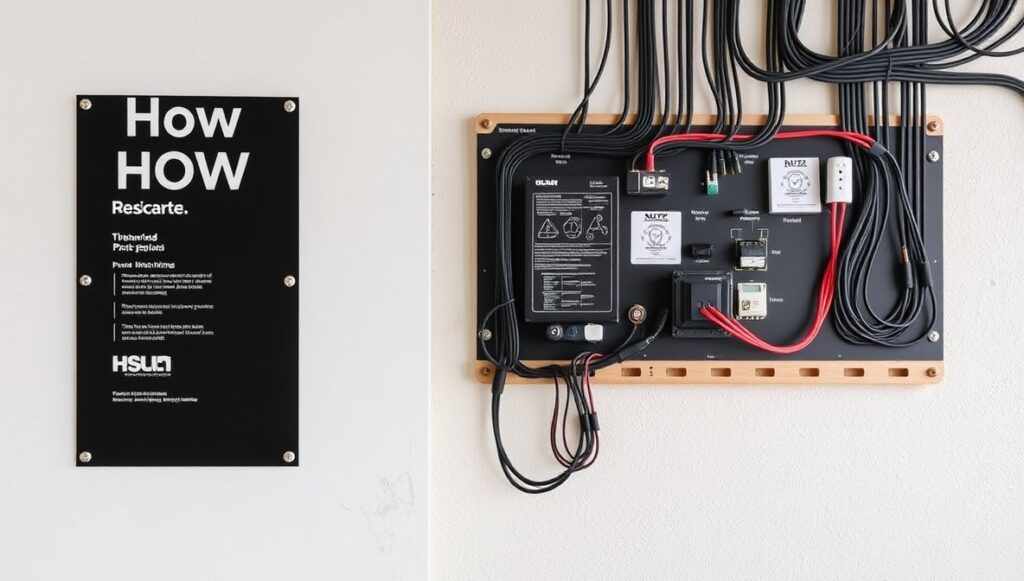
A core principle behind how to organize smart home wiring involves establishing one central location where all your systems connect. Some people refer to this as a distribution center or wiring closet, and its purpose is straightforward: every cable in your network terminates at this single point rather than being scattered throughout the house. thehometrotters homerepairs
This central location doesn’t necessarily need to sit in the middle of your home. Practical considerations, like proximity to where fiber or utility service enters the property, often matter more than strict geographic centering. A well-planned distribution point typically includes:
- A patch panel, which functions as an organizer for all incoming cabling.
- Space for equipment racks, housing routers, switches, and other networking hardware.
- Room for at least one wall panel, providing a clean interface for connections.
- Clear labeling at every connection point, simplifying future troubleshooting.
Establishing this kind of centralized hub is genuinely the foundation of how to organize smart home wiring effectively, since it prevents cables from becoming scattered and disorganized throughout different rooms.
Understanding the Different Cable Types

Before diving into organization strategies, it helps to understand what you’re actually organizing. Different systems require different cable types, and knowing the difference is essential groundwork for how to organize smart home wiring successfully.
| Cable Type | Common Use |
|---|---|
| Cat6 or Cat6A | High-speed data networks, smart devices, streaming |
| Fiber-optic | Long-distance runs and future-proof high-bandwidth needs |
| Power over Ethernet (PoE) | Cameras, sensors, touchscreens, WiFi access points |
| Low-voltage control cable | Keypads, dimmers, lighting control systems |
| Speaker wire | Audio zoning and whole-home sound systems |
PoE has become particularly valuable because it combines power and data delivery through a single cable, simplifying installation for devices like security cameras and access points while improving overall reliability.
Separating Power and Data Lines
One of the most important safety and organizational principles in how to organize smart home wiring involves keeping power and communication lines separate. Running high-voltage electrical wiring too close to low-voltage data cables can cause interference, potentially disrupting the performance of connected devices.
A well-organized system typically separates these categories clearly:
- Power lines carry standard household electrical current to outlets, switches, and fixtures.
- Data lines connect routers, control panels, and network-dependent devices.
- Lighting and control lines connect dimmers and lighting modules for automation.
- Low-voltage security lines handle cameras, sensors, and alarm systems.
Keeping these categories distinct, both physically and in your labeling system, significantly reduces troubleshooting time and prevents the kind of interference that can make smart devices behave unpredictably.
Planning Room by Room
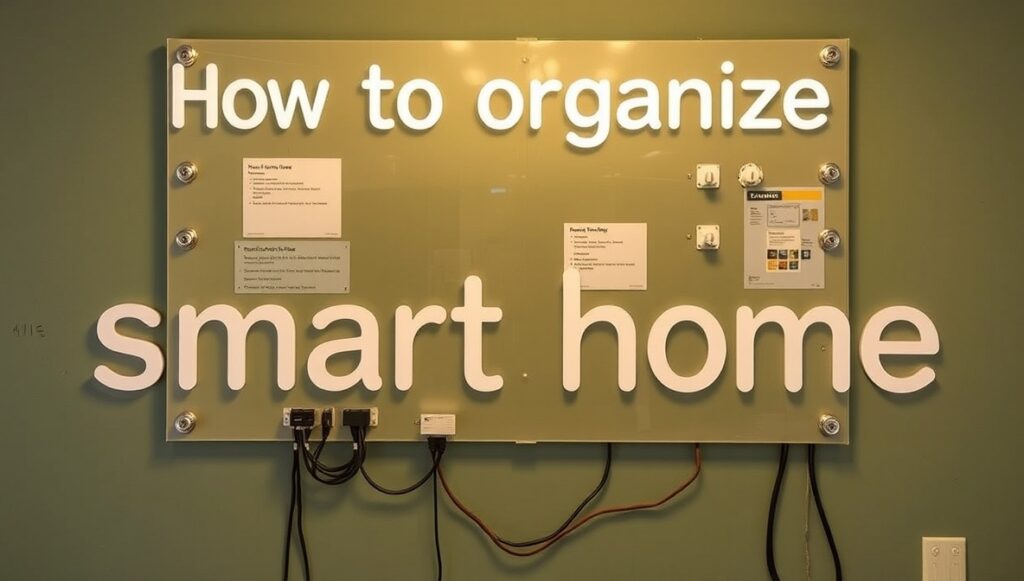
Effective wiring organization doesn’t happen by accident, it requires thinking through each room’s specific function before any walls close up. Different spaces have genuinely different wiring needs, and planning accordingly prevents costly retrofitting later.
- Family rooms and living spaces typically need audio wiring, TV mounts, and multiple data ports for entertainment systems.
- Home offices benefit significantly from dedicated Ethernet connections for reliable, low-latency internet access.
- Kitchens and entryways often warrant priority placement for smart lighting controls, since these are high-traffic areas.
- Bedrooms doubling as offices should include Ethernet access alongside standard lighting and outlet wiring.
Mapping out these functional needs room by room is a critical part of how to organize smart home wiring in a way that actually matches how your household lives day to day, rather than a generic, one-size-fits-all approach.
Using Conduits for Future Flexibility
A genuinely smart approach to wiring organization involves installing conduits, protective channels that house cables while leaving room for future additions. This single decision can save enormous time and expense down the road.
Conduits offer several practical advantages:
- Easy future upgrades without needing to tear open finished walls.
- Pulling strings left inside conduits make adding new wires considerably simpler later.
- Protection for existing cables, reducing wear and potential damage over time.
- Flexibility for emerging technology, since smart home devices and standards continue evolving.
Since the cost of adding extra cable runs during initial construction is far cheaper than reopening finished walls later, over-wiring with conduit access is one of the smartest long-term strategies for how to organize smart home wiring.
Labeling and Documentation
Even the most beautifully organized physical wiring becomes useless without proper documentation. Clear labeling at every connection point, breaker, and panel prevents confusion during future repairs or upgrades.
A thorough approach includes:
- Wiring diagrams showing exactly how power and data move through the home.
- Labeled breakers clearly identifying which circuit controls which system.
- Documented cable runs, noting where each wire originates and terminates.
- Consistent labeling conventions used throughout the entire project, not just in select rooms.
This documentation becomes especially valuable years later, when a technician or future homeowner needs to troubleshoot an issue without having been present for the original installation.
Coordinating With Multiple Trades
Understanding how to organize smart home wiring effectively also means recognizing that this isn’t a task handled in isolation. Electricians, AV integrators, and network specialists should all be part of your construction timeline from the beginning, not added as an afterthought once walls are already going up.
Wiring for lighting, HVAC, security, and home theater setups often interact with each other or share physical space inside walls. Coordinating these systems early avoids conflicts and reduces the likelihood of last-minute changes that can compromise the overall organization of your wiring plan.
Should You DIY or Hire a Professional?
While enthusiastic DIYers can handle certain aspects of smart device installation, like connecting a smart switch to existing wiring, the broader question of how to organize smart home wiring at a whole-home level is generally best left to licensed professionals.
Working with electrical systems carries genuine fire risk if done incorrectly, and most jurisdictions require permits and inspections to ensure the work meets code. Professionals bring several advantages beyond just safety:
- They understand both electrical codes and current smart home requirements.
- They can anticipate problems before they occur, based on experience with similar projects.
- They ensure proper documentation and labeling that simplifies future service calls.
- They coordinate effectively with other tradespeople working on the same project.
Frequently Asked Questions
Do I need to wire everything, or can some devices stay wireless?
Not everything needs a physical connection. Many smart devices work perfectly well wirelessly, but certain systems, like HVAC controllers, security cameras, and high-bandwidth entertainment devices, genuinely benefit from hardwiring for reliability.
What’s the difference between structured wiring and traditional wiring?
Traditional wiring tends to be chaotic and point-to-point, while structured wiring organizes cables through a centralized distribution panel, making installation, maintenance, and future upgrades significantly easier.
Is it worth adding extra cable runs I don’t need yet?
Generally yes. Installing additional conduit and cable runs during initial construction costs far less than reopening finished walls later when new technology or needs emerge.
Can I retrofit structured wiring into an existing home?
Yes, though it typically requires more creative routing than new construction, sometimes running cables through attics or behind baseboards where opening walls isn’t practical.
Why does separating power and data lines matter so much?
Running high-voltage wiring too close to low-voltage data cables can cause signal interference, potentially disrupting the performance of connected smart devices.
How much does professional smart home wiring typically cost?
Costs vary significantly based on home size, number of circuits, and system complexity, generally including panels, cabling materials, and professional labor, along with any required permits and inspections.
Final Thoughts
Understanding how to organize smart home wiring ultimately comes down to thoughtful, centralized planning rather than simply running cables wherever convenient. A well-designed distribution point, clear separation between power and data lines, strategic conduit placement, and thorough labeling all work together to create a system that’s easy to maintain and genuinely ready for future upgrades.
Whether you’re planning new construction or retrofitting an existing home, involving experienced professionals early and mapping out each room’s specific needs will save considerable time, money, and frustration. A properly organized wiring system becomes the invisible backbone that makes your entire smart home simply work, reliably and without constant troubleshooting.